Product launch timeline template
Plan, track, and streamline your next product launch.
BEST FOR
Project management
Marketing
KEY FEATURES
Task planning
What is a product launch timeline template?
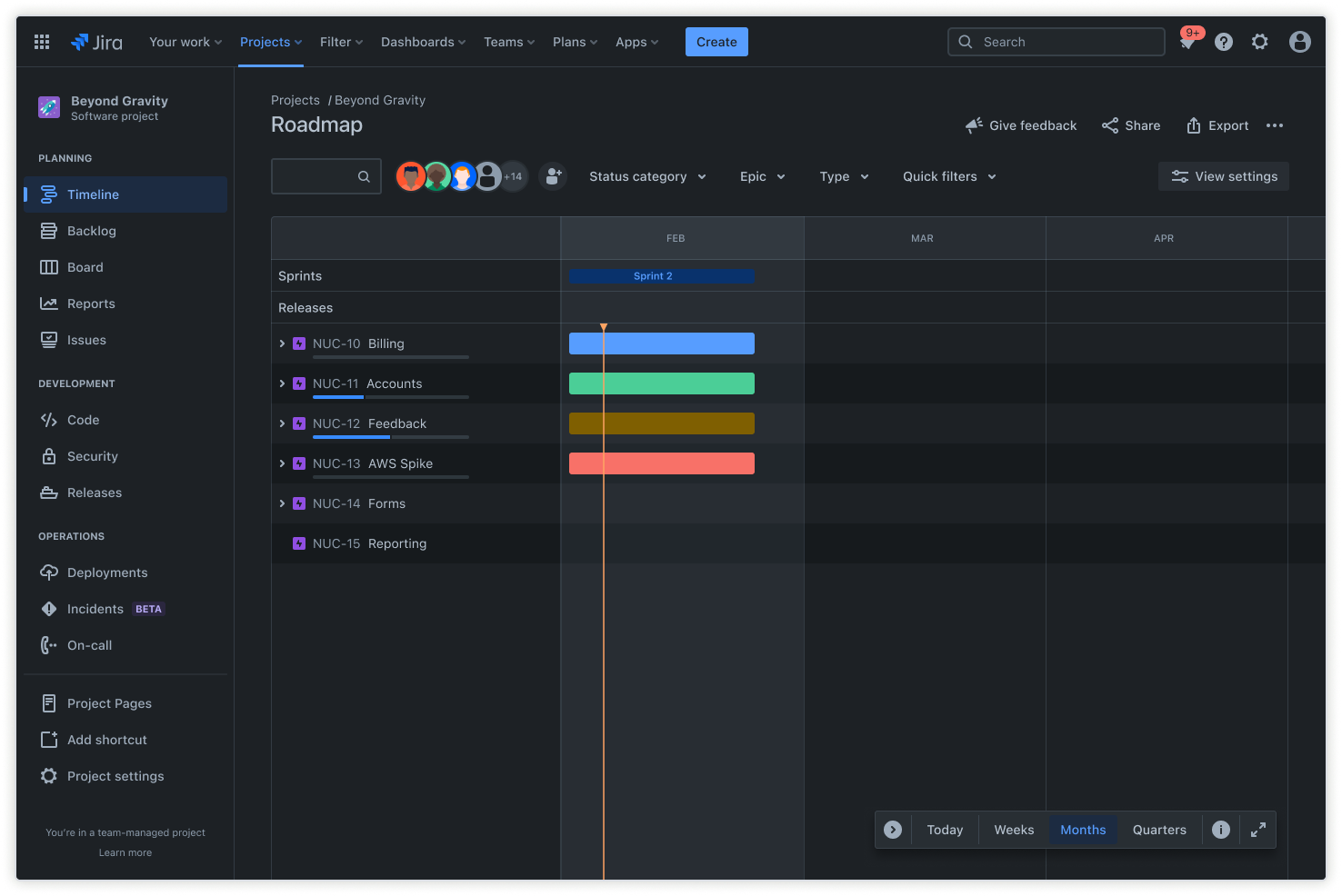
A product launch timeline template is a structured roadmap designed to guide teams through every phase of bringing a new product to market. It is a visual and organizational tool laying out all necessary tasks, dependencies, and deadlines from conception to post-launch activities.
Scheduling framework
A product launch timeline template is a scheduling framework that organizes tasks and milestones chronologically, helping you plan your product release more effectively. It aims to keep everyone across your internal and external teams on the same page regarding your product launch, from your product manager to developers and marketing teams.
Clear communication is a key part of staying on track to execute your product launch, and templates help you track important dates and deadlines for deliverables. Whether you’re planning a simple product launch on social media or a complex multi-channel launch, staying on track to meet deadlines is crucial.
Product management tool
A product launch timeline template supports agile product management. You can use our free product launch timeline template to assign ownership to individual team members and track the progress each team member has made on the tasks they’ve been assigned. This also helps you visualize and manage the workload throughout the product launch process.
A centralized product management tool ensures everyone stays aligned throughout the launch. It also clearly visualizes timelines and dependencies, which can help in both the launch and product development process.
What does the product launch timeline template include?
Timeline
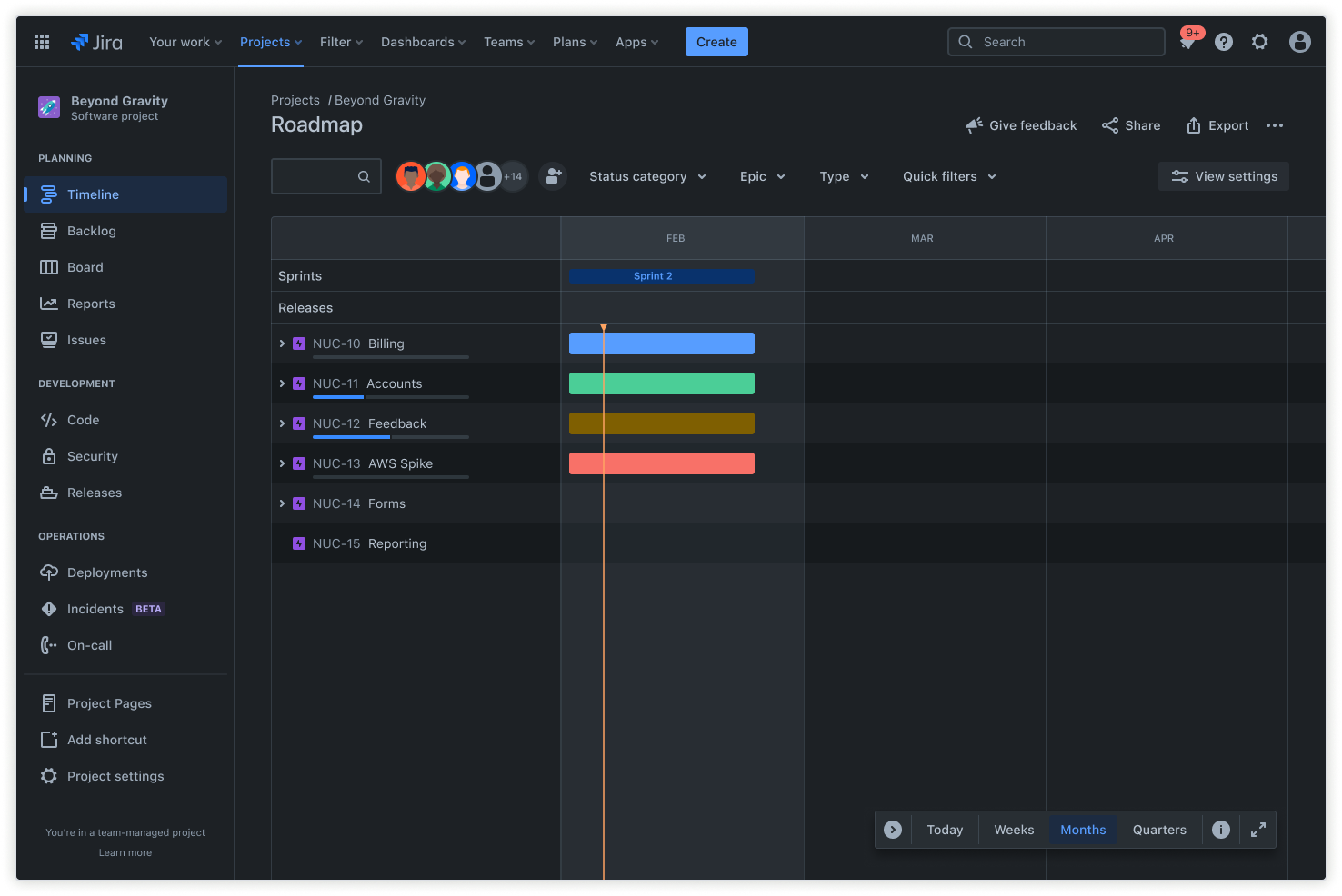
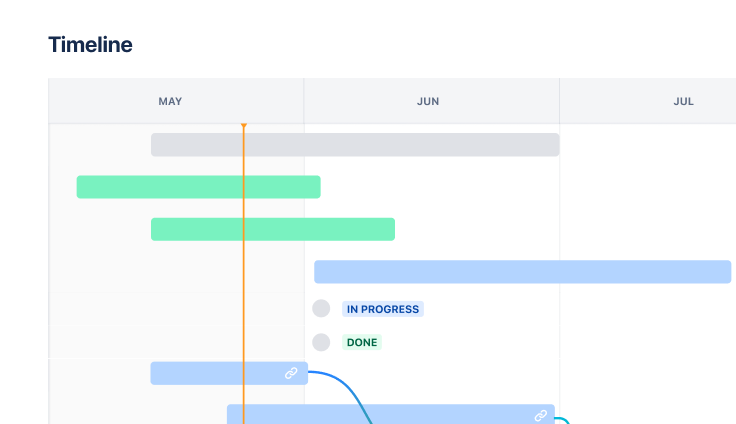
The timeline is the foundation of your launch plan, helping you visualize every stage of the product launch process from conception to execution. You can use this timeline to coordinate tasks and assign them to individual team members. These teammates can use product development software and other tools to move your product launch forward.
The timeline view helps you visualize dependencies and prevent delays by creating a visual representation of the launch process. Shared release dates even allow you to align cross-project release dates to ensure you’re managing your workload efficiently.
Calendar
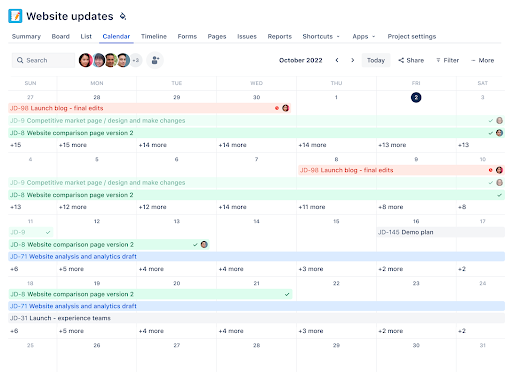
The calendar view allows you to visualize product launch tasks over time. You can get a clear view of what everyone is working on during a particular time period, helping you ensure your product launches on time.
Scheduling backward—starting with the end date and working your way back—can help you create a comprehensive plan that includes every phase of your product launch.
Dashboard
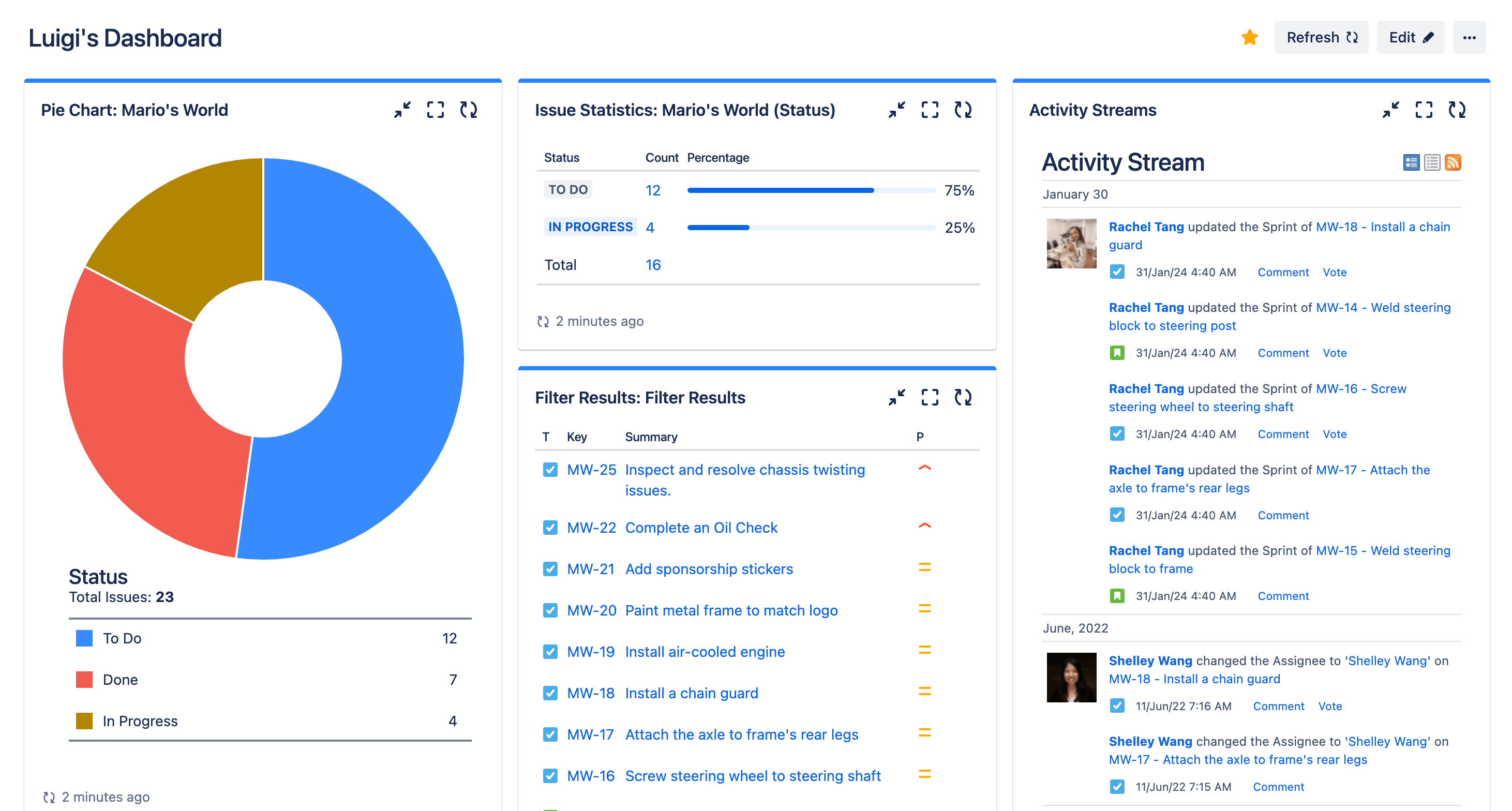
When you need a quick overview of your product launch progress, you can use the dashboard view. The dashboard view provides an overview of your issues, recent activity, and other key components of your product launch plan. This overview makes it easy to see everything in one place, allowing you to identify delays and resource bottlenecks and prevent them quickly.
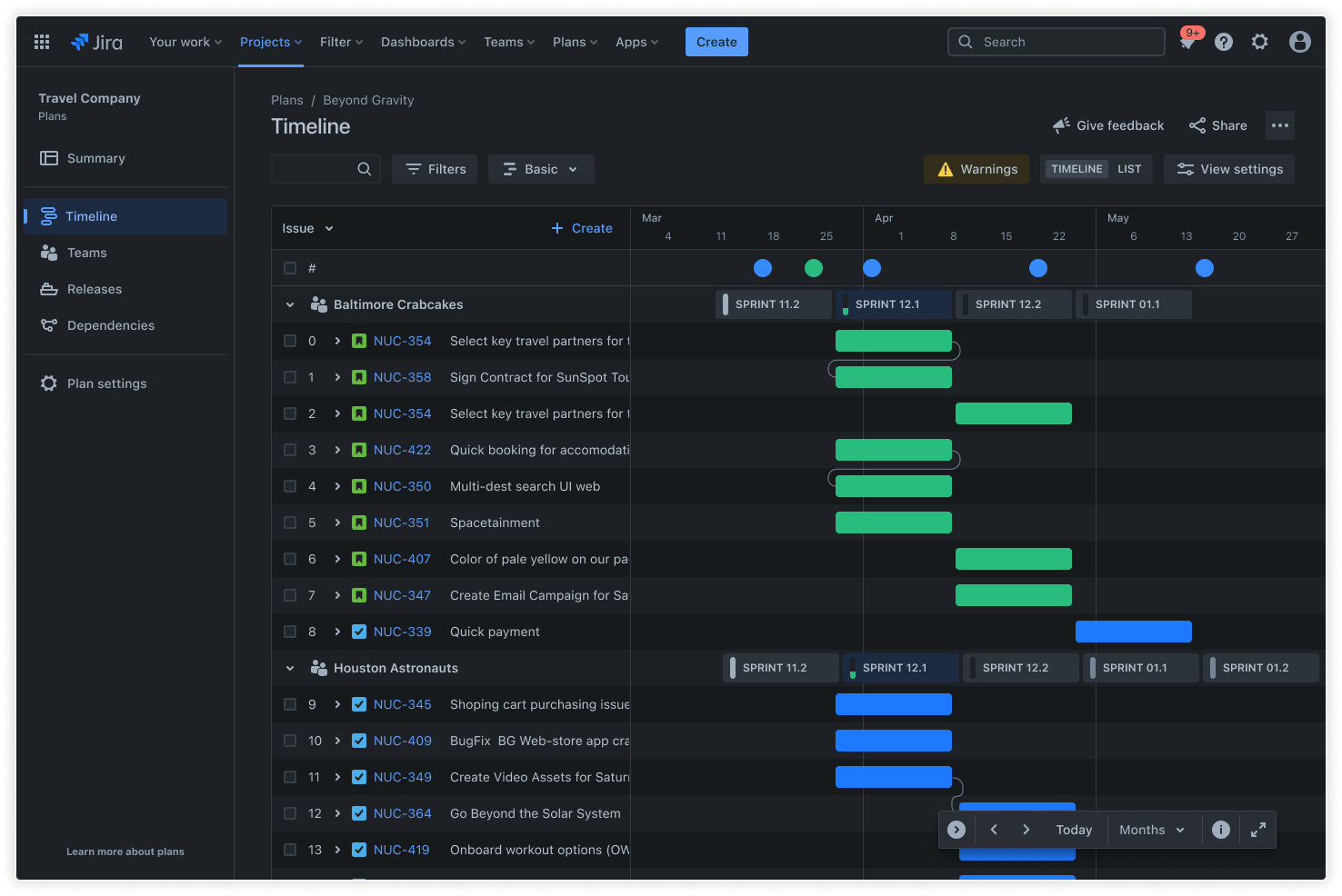
Advanced Roadmap
Advanced roadmaps in Jira allow you to coordinate across multiple teams to manage long-term plans. Each team’s timelines and issues are categorized separately and separated into sprints. This will enable you to track dependencies, adjust timelines, and refine your roadmap to ensure it aligns with your product launch goals.
Jira’s Plans provide visibility into the roadmaps across multiple projects and ladder them to company-wide initiatives. Within a plan, you can schedule work, allocate capacity, map dependencies, and model different scenarios, all within a single source of truth.
How to get started with the product launch timeline template
- 1
Define launch goals
From product strategy and development to product launches, setting goals is a smart first step. Your goals should be clearly defined and measurable so you can use them to track your progress. You can use the SMART goals method to ensure you’re setting effective specific, measurable, achievable, relevant, and time-bound goals.
Keep in mind that your product launch goals may vary from one product to another. The important thing is defining what you want to achieve so you have clear and measurable goals to work toward.
- 2
Set a launch date
Now that you’ve set your launch goals, it’s time to decide when to launch your product. Setting a launch date and adding it to your product launch timeline template is an essential first step, providing a timeframe to work with. Once you know when to launch your product, you can start scheduling backward to ensure you have a plan to prepare for the launch date.
Speaking of accounting for all the steps, ensure you include every aspect of your product launch in your timeline. This includes stages such as testing, marketing, and stakeholder reviews.
- 3
List out major phases
Breaking down your product launch into individual phases makes it easier to process each stage and create an actionable plan for it. Your launch should be broken down into clear stages, including development, quality assurance (QA), marketing prep, and finally, the rollout.
Creating a list of all the major phases helps you avoid surprises and missed deadlines. It also allows you to focus on product features and development and ensures your product launch goes as smoothly as possible.
- 4
Assign tasks and deadlines
Once you have everything mapped out and know what to do to launch your product, it’s time to start assigning tasks and deadlines. Assigning responsibilities to individual team members is crucial to ensuring you stay on track to meet deadlines and launch your product on time. You can assign tasks and deadlines to team members with the free product launch timeline template, providing a quick visualization of who is working on what and how you’re distributing the workload.
Set realistic deadlines to avoid rushing teams to complete tasks hastily. Track your progress over time to ensure you’re still on track to launch your product on schedule.
- 5
Share with team
The timeline you’ve created will serve as a sort of product launch checklist, so you’ll want to ensure that all stakeholders have access to it. If you make a change to your timeline, it will be updated in real-time for the other stakeholders who have access. This helps everyone stay on the same page and see recent progress and updates.
You can also use notes and comments to add clarity to your timeline or provide updates to stakeholders. Make sure stakeholders know to check the timeline regularly for notes and comments that may be relevant to upcoming tasks.
- 6
Track and update progress
After sharing the timeline with your teammates and starting to work on your product launch, review your progress at least once a week and make adjustments as needed. Dashboards and progress bars are a simple way to visualize your progress. If you’re falling behind, you may need to adjust your strategy or push back your product launch date.
Related templates
Software Development
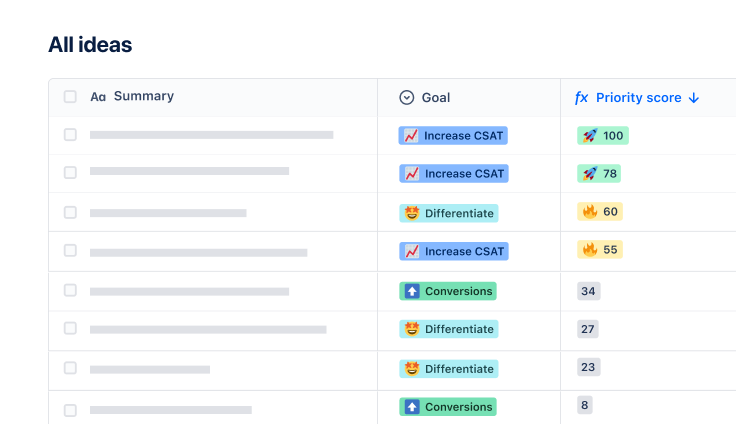
Product discovery template
Manage ideas and inputs, and share custom product roadmaps.
Ready to use this free template?
Explore more templates to supercharge teamwork
Empower everyone, on every team. Build, connect, and deliver your biggest ideas seamlessly across Atlassian apps using our complete collection of ready-made workflows.