Change Management Communication with Video
The way you communicate change directly impacts how smooth and successful the change will be. Use video to convey the message in a faster, clearer, more personal way.

Prep time
10m

Run time
45m

Persons
2+
Prep time
10m
Run time
45m
Persons
2+
Summary
Prep what’s included in your change management communication plan.
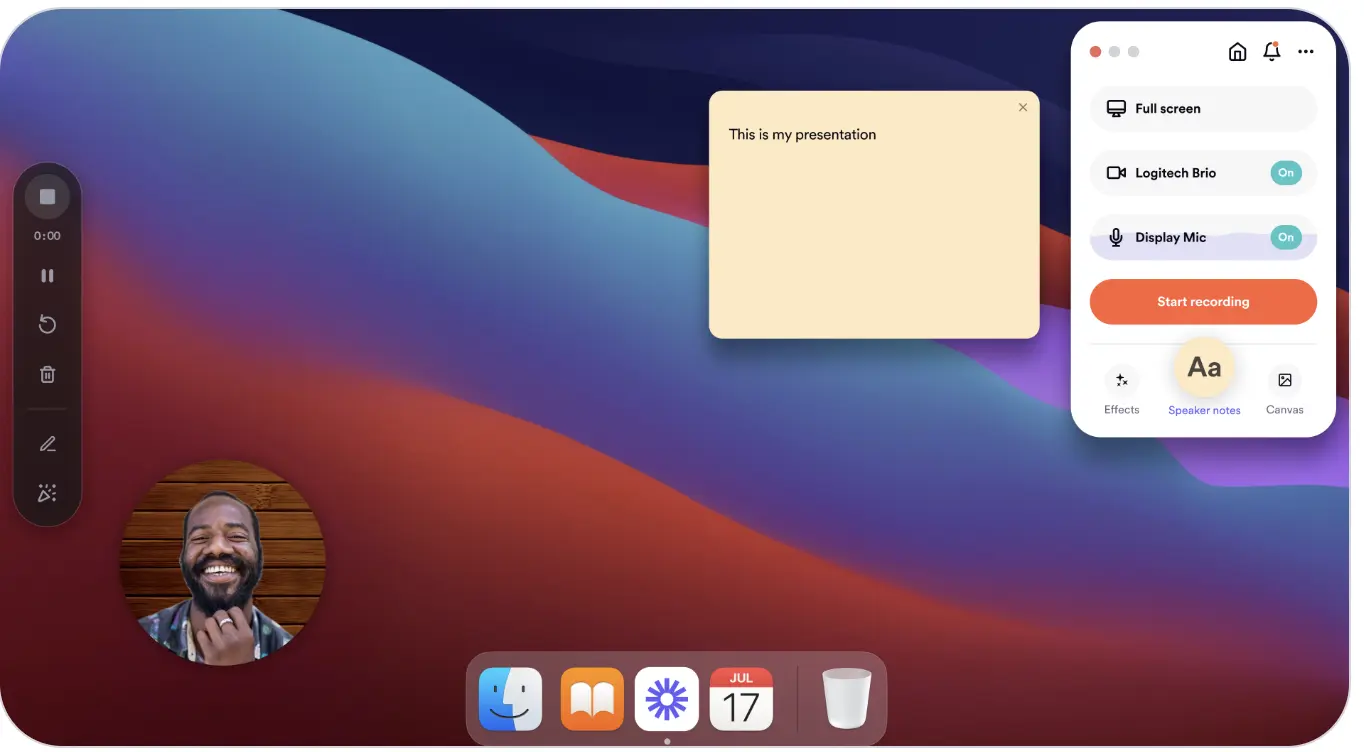
Easily record your announcement with a video that’s scalable, yet feels personal.
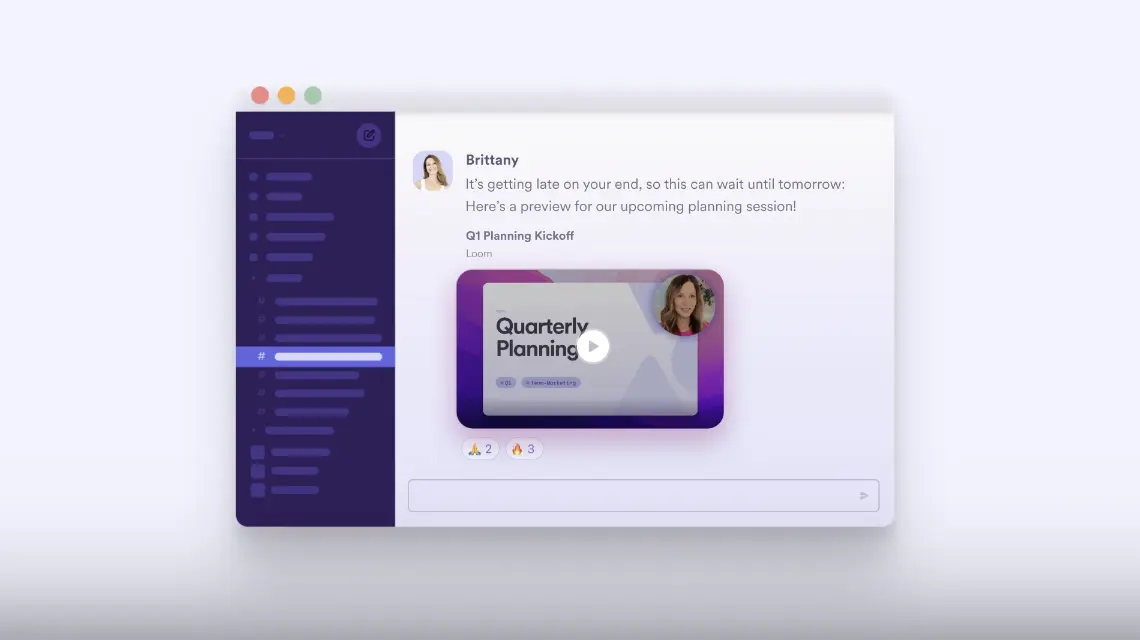
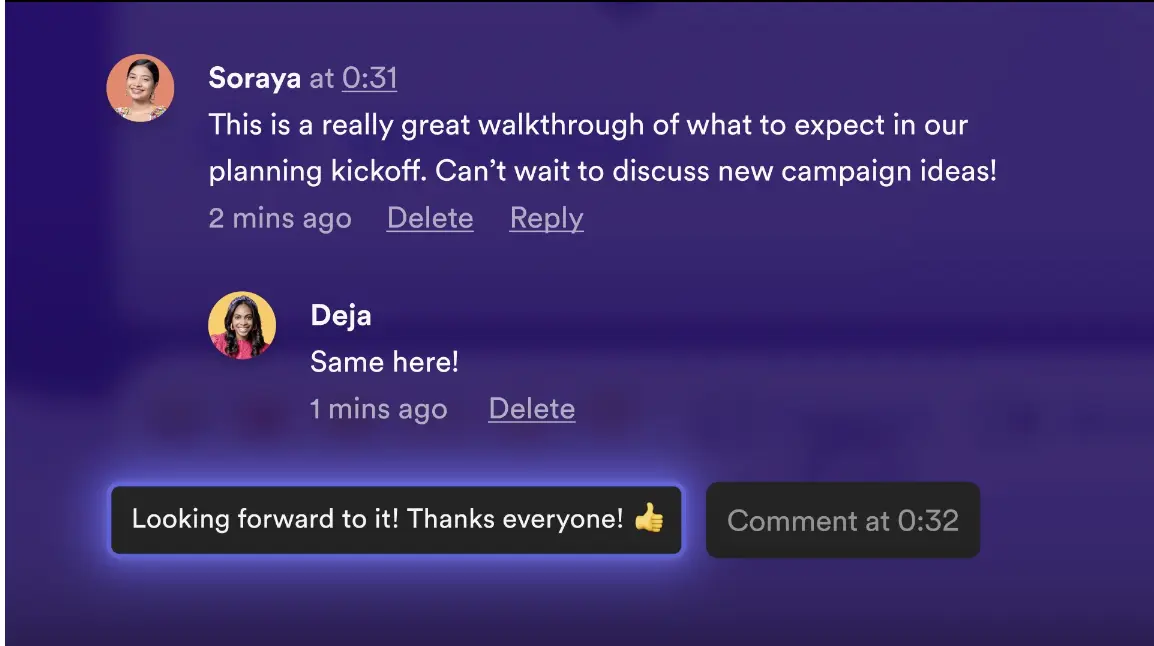
Distribute your video and track engagement.
What you will need
Video communication tool (i.e., Loom).
Change management templates (see resources).
How to lead teams through change with clear video communication
Make change easier for your team by delivering clear, actionable video communication.
What is change management communication?
Change management communication is the process of clearly conveying the purpose, benefits, and steps of a new initiative to ensure teams understand, align with, and confidently adopt the change.
Why run the Change Management Communication with Video Play?
According to Gartner, “The typical organization today has undertaken five major firm-wide changes in the past three years — and nearly 75% expect to multiply the types of major change initiatives they will undertake in the next three years. Yet half of change initiatives fail, and only 34% are a clear success.”
Running this Play helps you communicate change more effectively by using video to deliver clear, consistent, and engaging messages. Video allows you to incorporate tone, expression, and visuals to make your message easier to understand and more relatable than dense documents or disruptive meetings.
By recording a video, you create a consistent message that can be shared widely, ensuring everyone gets the same explanation, no matter their role, location, or schedule.
Sharing videos asynchronously also gives your team flexibility—people can watch at a time that works best for them, without disrupting their flow of work.
Because the video is always available, it becomes a durable resource your team can revisit whenever they need a refresher. This helps them stay aligned and confident as they navigate the change. It’s a smarter, more scalable way to communicate and implement change.
When should you use the Change Management Communication Play?
Use this Play when you need to announce and implement a change to a process or way of working.
Think of changes that are more tactical and less strategic than a Leader Top-of-Mind Update, but something less formal than you’d store in your learning management system.
This Play IS a good fit for:
Making an announcement about a change in how work gets done (e.g., “We’re switching our service solution to Jira Service Management.”)
Educating teams on how to work in that new way, while scaling (e.g., “We’re making a change to our sales process. Here’s what we’ll be doing differently.”)
The Play is NOT a good fit for:
Communicating sensitive updates, like reorgs or people changes
Serving as the only communication for large-scale or organization-wide changes
5 benefits of change management communication
Research shows:
Receiving high-quality information about a change leads employees to see its implementation as more successful.
Learning retention is higher when learners can control the pace of the presentation.
Transparency about how and why decisions are made can increase the perceived fairness of a decision and reduce resistance to the change.
Two-way communication channels (which include feedback loops) help build trust and reduce resistance during changes.
People are more likely to remember information delivered through a combination of video and text vs. with text alone. The audio-visual experience of video helps audiences develop a stronger emotional connection to the content, resulting in higher levels of engagement.

Still have questions?
Start a conversation with other Atlassian Team Playbook users, get support, or provide feedback.
Plays you may like

Meetings
Weekly Team Updates
Share how things are going—without scheduling another meeting.


Stay up to date
Get the latest Plays and work life advice when you sign up for our newsletter.
Stay up to date
Get the latest Plays and work life advice when you sign up for our newsletter.