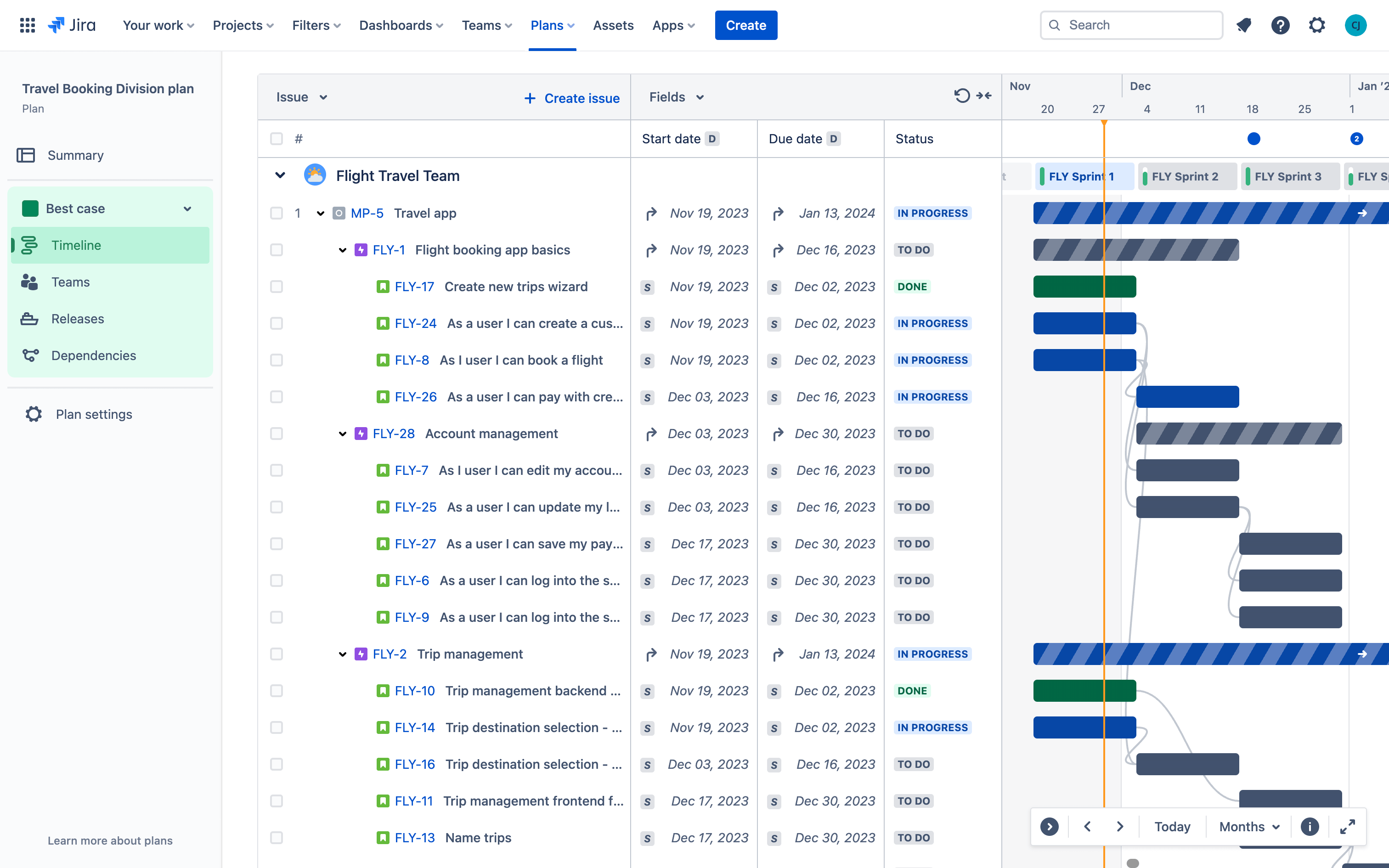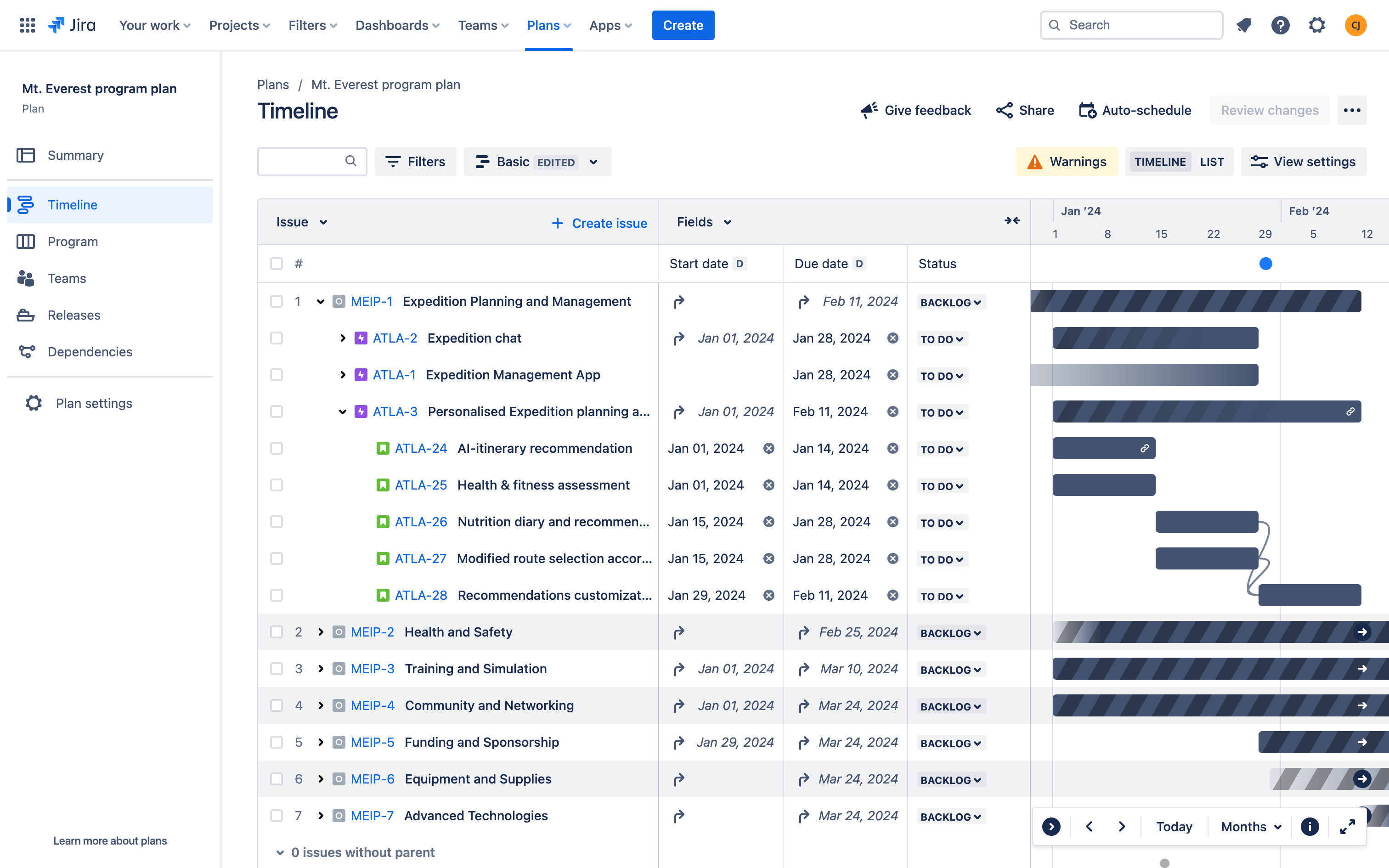
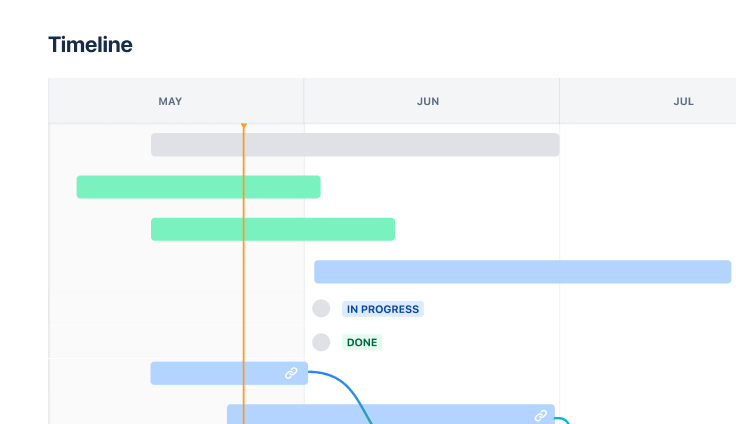
Screenshot of timeline in Jira

Top-level Planning Template

Plan, track, and report on big chunks of work, such as a program or initiative.

BEST FOR

  • Software development

  • Project management

  • Marketing

KEY FEATURES

  • Custom issue hierarchy

  • Plan

  • Custom reporting

Screenshot of timeline in Jira

What is a top-level planning template?

The top-level planning template is pre-configured to help teams of teams manage large, cross-functional efforts, such as a program or initiative. With an expanded issue hierarchy and a plan that visualizes everything in one place, teams can easily track and report on work spanning multiple projects and understand how their work rolls up to the big picture.

What does the top-level planning template include?

Plan work above the epic level

In the issue hierarchy screen, you’ll noticed we’ve added an additional hierarchy level above epic, called an initiative. This allows you to structure and break down larger chunks of work in Jira. Optionally, you can rename the initiative or epic level to match any methodology, such as SAFe.

How to get started with the top-level planning template

This template uses Jira Premium to help you plan work across multiple teams and projects.

top-level-planning-thumbnail.png
  1. 1

    What your template comes with

    This template creates:

    • A new issue level above the epic, called “initiative”

      • This allows you to group epics under an initiative and see underlying work nested within your plan.

    • A new project

      • The project is where the initiatives you create live.

    • A new plan

      • The plan is pre-configured with the new project as an issue source so you can see your initiatives in the plan. You can then add related projects, boards, and filters as issue sources and link underlying issues to the parent initiative.

  2. 2

    Create an initiative

    To start, create your first initiative. Think of an initiative as a big chunk of work that multiple epics contribute to. For example, if your epics are things like “Build New functionality”, “Market new features”, and “Measure impact of release”, then your initiative might be something like “iOS Design Revamp”. Create one now; you can always add more later. Learn more about initiatives.

  3. 3

    Add issue sources to your plan

    Next, add an existing project, board, and/or filter to this plan. In a plan, we call these issue sources. For this template, we recommend that you use issues from company-managed projects, and that they contain at least one epic. Learn more about issue sources in Plans.

  4. 4

    Link your epics to initiatives

    Finally, reparent your existing epics to the new initiatives. This creates an association using the Parent field, linking the two issues. You’ll see that the initiative now shows the data from the epics contained within. This is called a roll-up; the plan infer values of parents from child issues, and they’re useful for keeping your plan up to date. As you add more epics to the initiative, the estimates and dates will update along with it. Learn more about roll-ups in Plans.

  5. 5

    Review and save changes to your plan

    Plans is a sandbox environment, meaning you need to save your changes before you’ll see them on any boards or projects outside your plan. Learn more about saving changes made in Plans.

  • Increase visibility

    Keep teams aligned and focused on the right things by enabling teams to see how their work contributes to larger business initiatives.

  • Collaborate across teams

    Create a single source of truth where everyone can see who’s doing what and when, and reports can be customized for different stakeholders.

  • Scalable structure

    Organize and visualize relationships between work items from the day-to-day tasks to quarterly initiatives, spanning multiple teams and projects.

Related templates

Software Development

Kanban board template

Manage a continuous delivery of work on a powerful board.
Software Development

Scrum template

Visualize, track, and manage your work easily from sprint to sprint.
Marketing

Jira project management template

Manage activities for completing a business project.

Related resources

WEBINAR

Cross-team agility with Jira

How Lumen leverages Jira Premium’s advanced planning capabilities to boost agility across 100s of teams.

GUIDE

Advanced planning in Jira guide

Learn how to plan across teams, track multiple projects, map dependencies, manage capacity, and more.

DEMO

Custom issue hierarchy

Watch a quick demo on how to configure custom hierarchy and plan work above the epic level in Jira Premium.

Ready to use this free template?

Use template