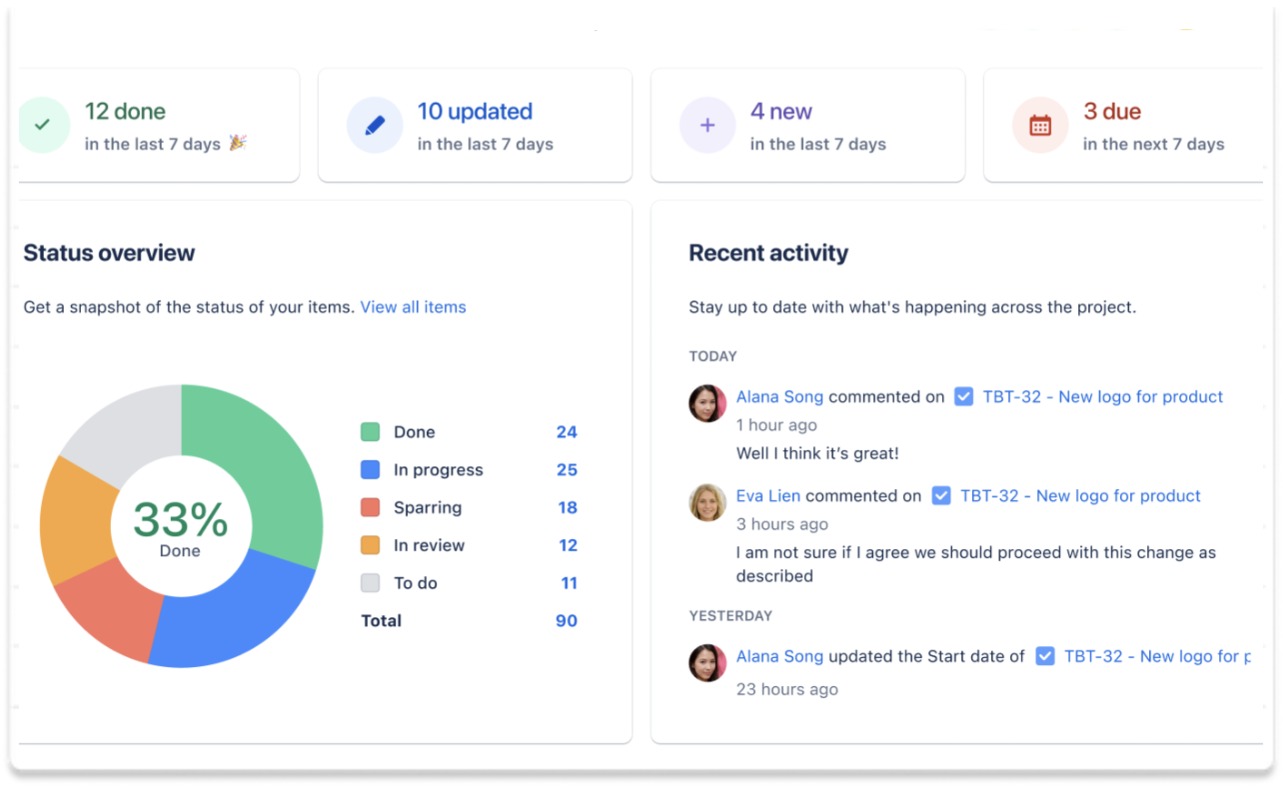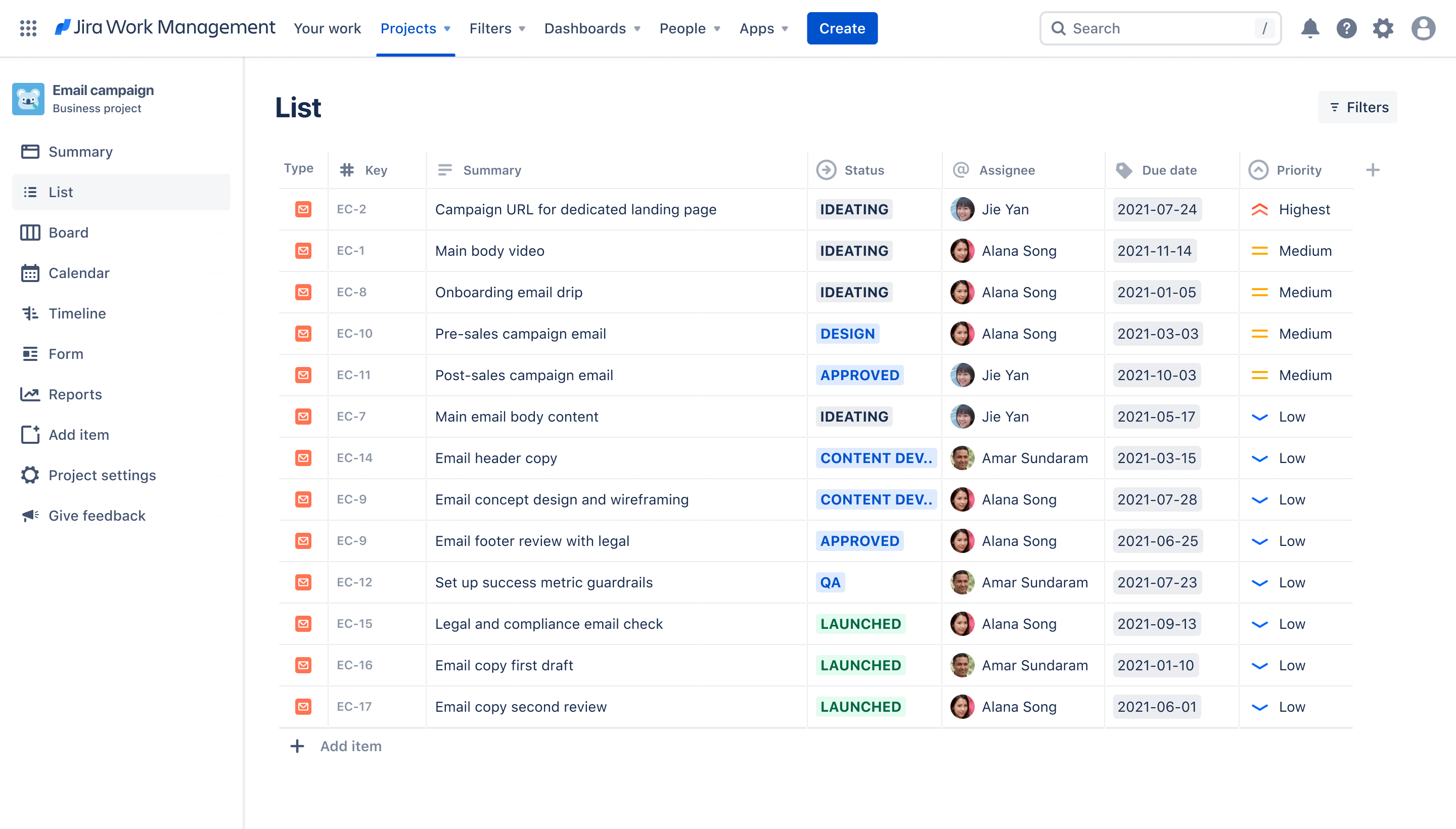
Screenshot of email campaign list in Jira Work Management

Email campaign template

Plan and execute on email campaigns from draft to launch.

BEST FOR

  • Marketing

KEY FEATURES

  • Task planning

  • Prioritization

  • Pipeline management

Screenshot of email campaign list in Jira Work Management

What is an email campaign template?

This email campaign tracking template helps you track status of every task and asset in one place, so you can plan and execute successful email campaigns.

What does the email campaign template include?

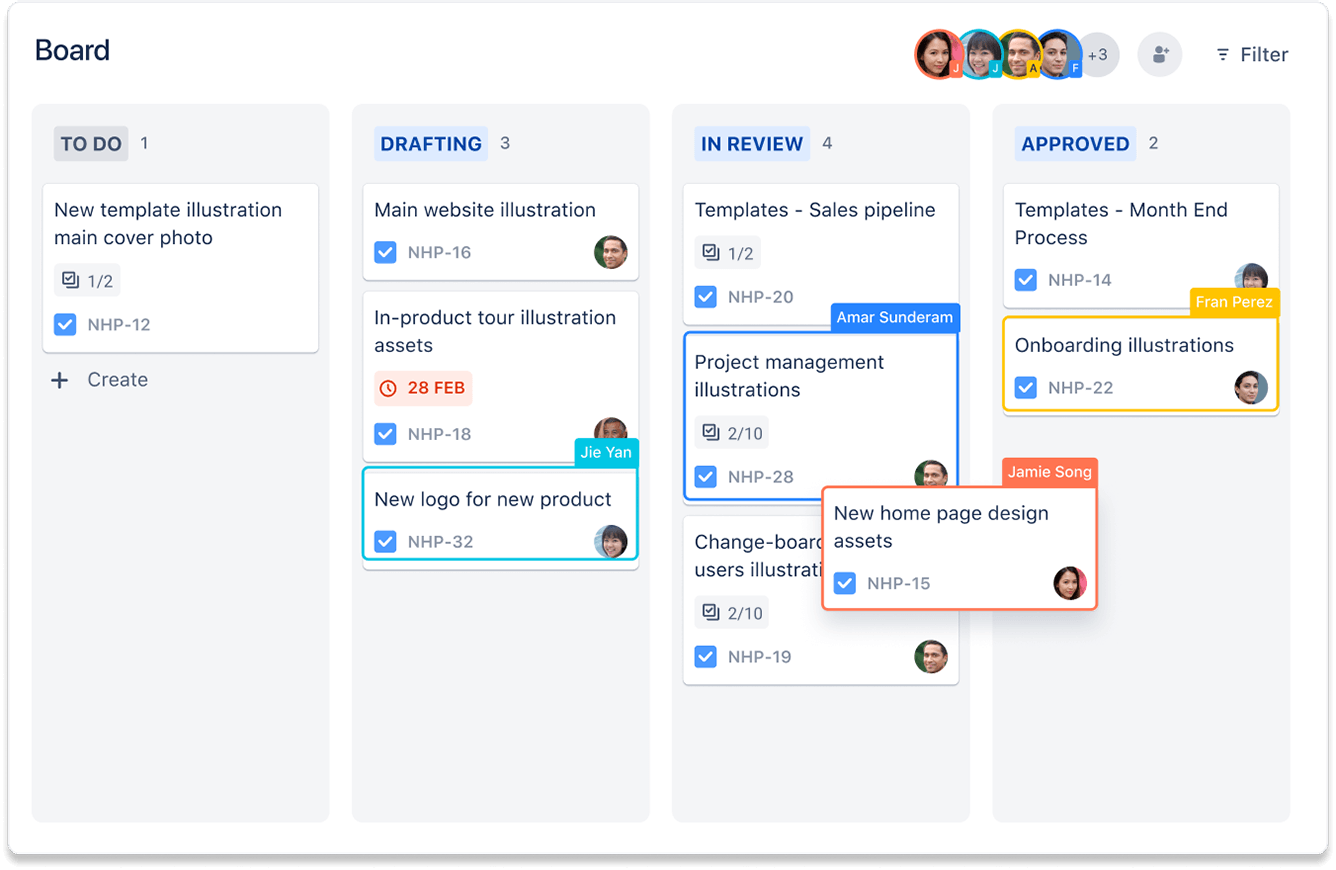
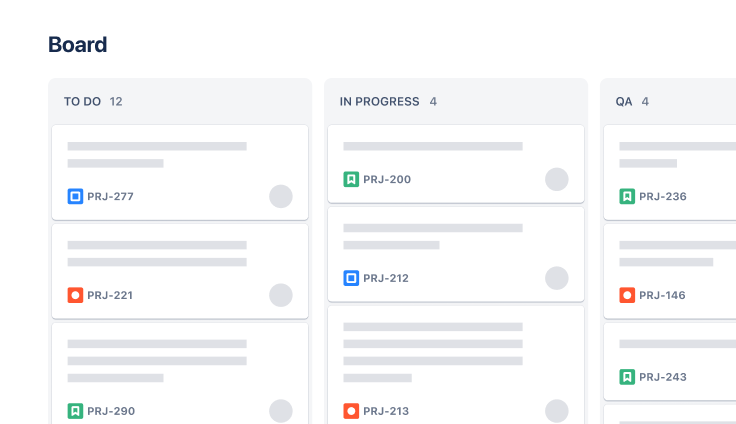
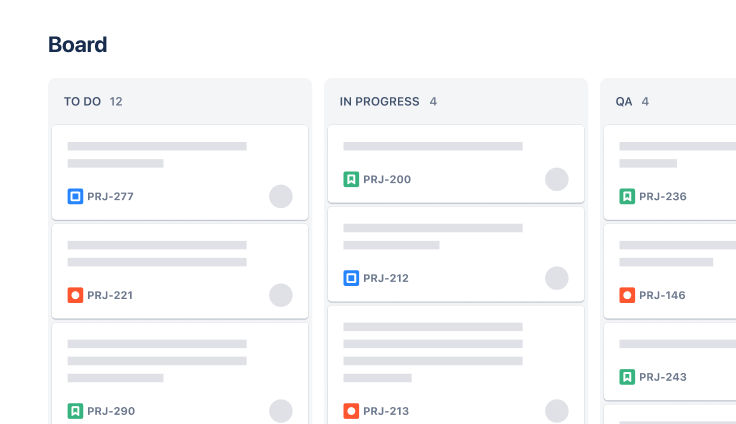
Board

The Board view provides a Kanban-style visualization of your working process and the status of each task. This allows you to track, organize, and prioritize tasks across columns that represent your workflow.

How to get started with the email campaign template

This template uses Jira to help your team manage your email campaigns.

Visualize work thumbnail - Project Timeline
  1. 1

    Add your to-do items

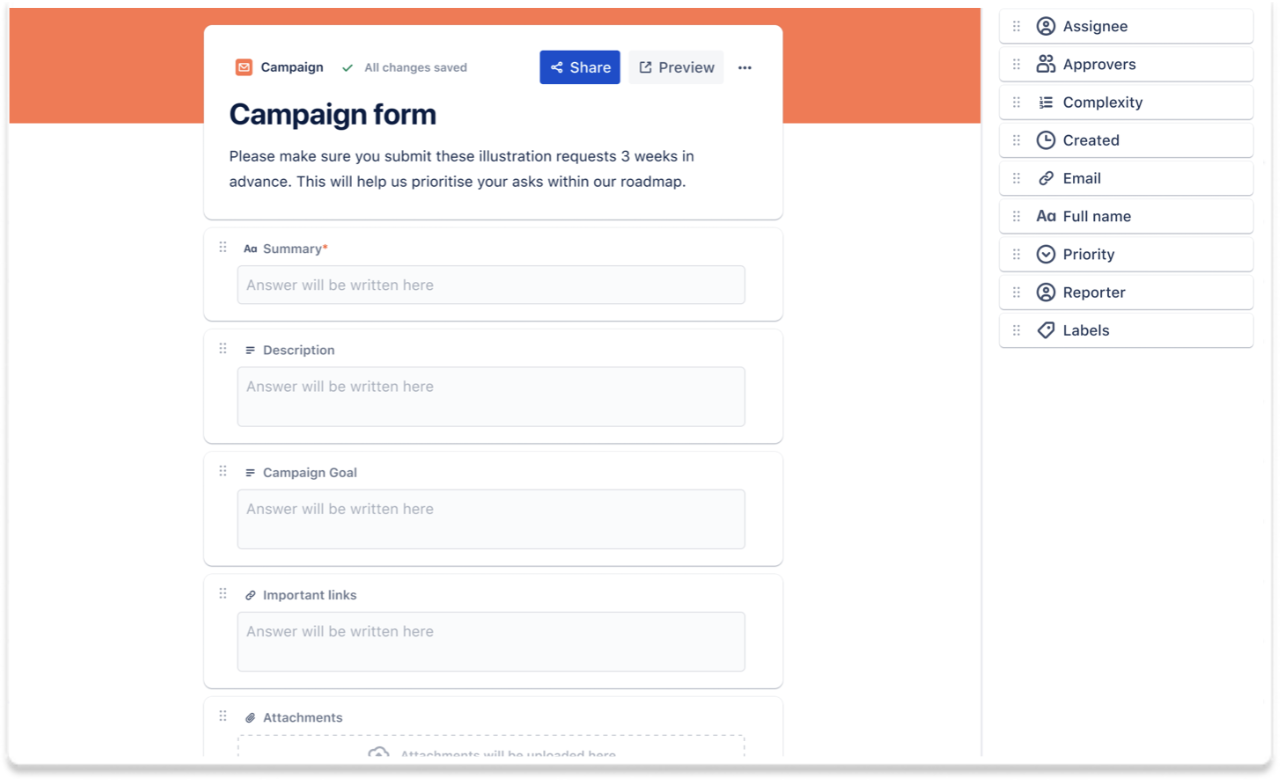
    You can choose whether to use the list, board, or calendar view to add items to your to-do list. Keep it simple or get as granular as you want with attachments, priorities, labels, and more.

  2. 2

    Add start and due dates

    You can set start dates and due dates to your work items. This gives you visibility over work on your calendar and timeline, ensuring no work slips through the cracks.

  3. 3

    Prioritize and organize

    You can quickly sort your to-do list by priority to help you tackle your highest priority items first and stay on top of your most important tasks.

  4. 4

    Automate work

    Wherever possible, let the robots do the work. You can set up simple no-code automations to keep your work aligned, set reminders, and connect to your tools like Microsoft Teams, Slack and more.

  • Easy collaboration

    Effortlessly tag and assign your team members to tasks, so everyone is aware of their work. Use built-in tools to communicate in one place.

  • Powerful campaign tracking

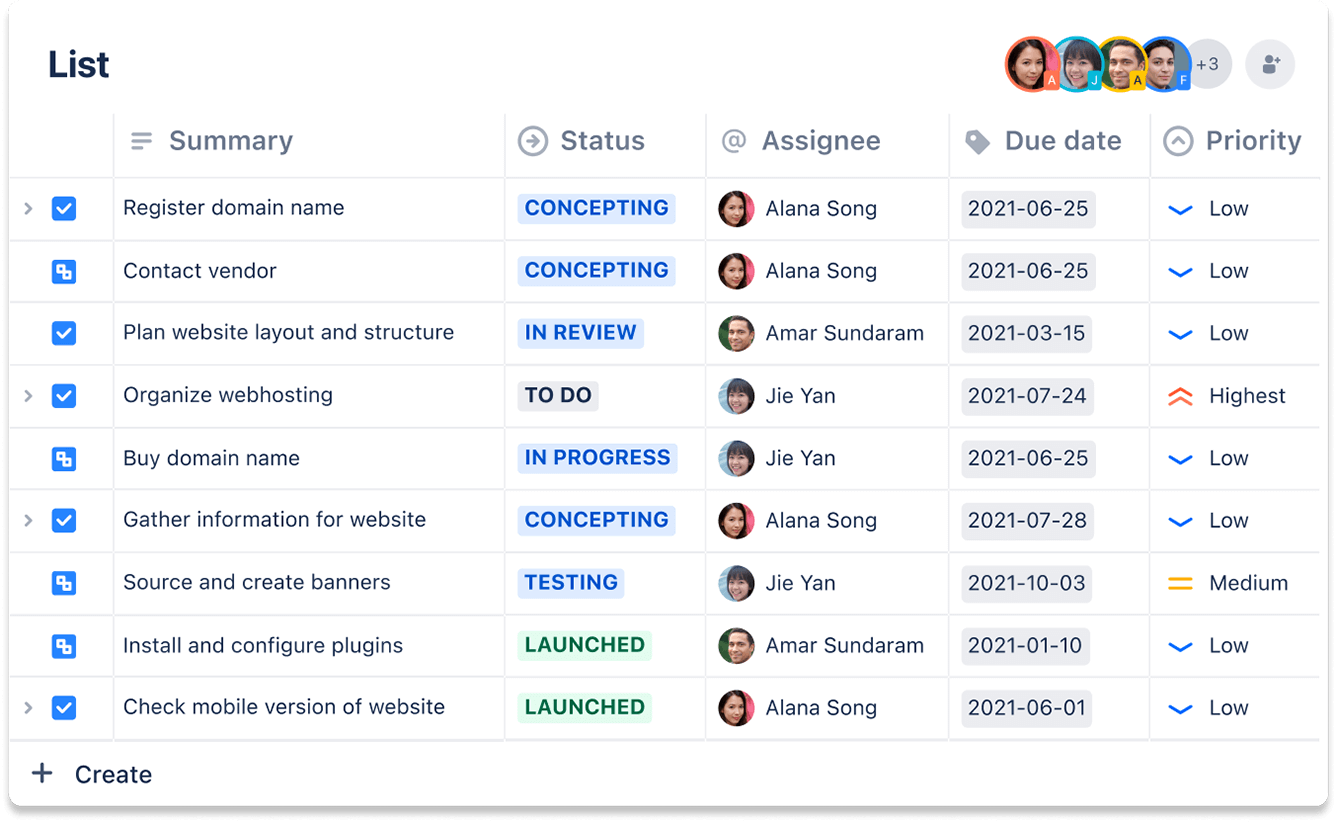
    Easily track and update information on the fly in the list view. Use Smart Links to edit within Jira tasks.

  • Fast prioritization

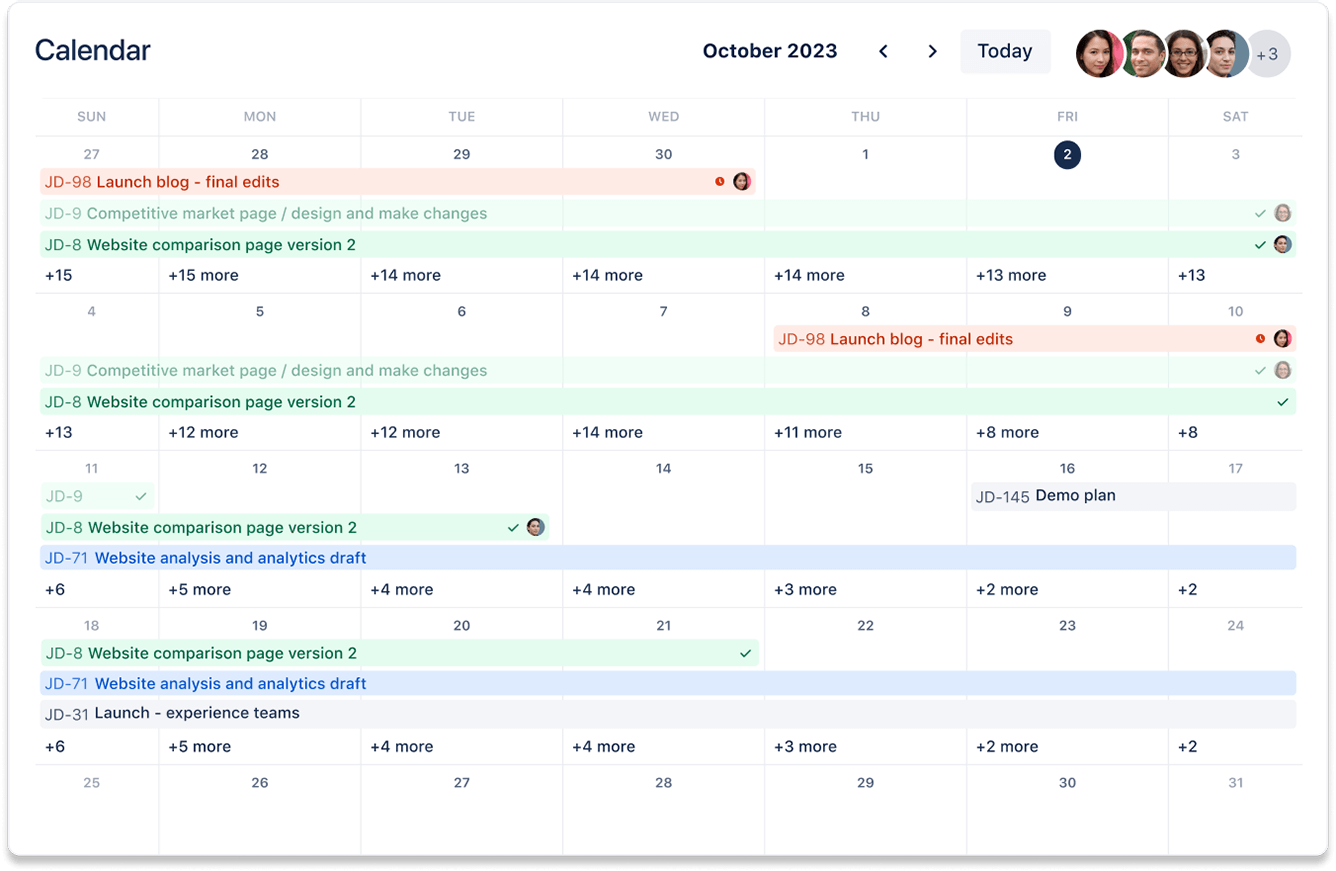
    Use the calendar and timeline views to track due dates and dependencies in a single glance.

Related templates

Marketing

Campaign management template

Drive a marketing campaign from idea to execution.
Design

Asset creation template

Simplify asset requests, so your team can focus on creating.

Marketing

Content management template

Manage the content lifecycle from prioritization to delivery.

Ready to use this free template?

Use template