Every team knows exactly where AI could help — the onboarding that takes three weeks of manual coordination, the customer feedback no one has time to categorize, the status reports assembled by hand every Friday. The ideas aren’t the problem. The problem is that building them has always required code, engineering resources, and IT tickets — which means most of those ideas never ship.
That gap is closing fast. Since we launched Rovo Studio, agentic automations have grown around 7X in just six months. Teams are solving real problems and building workflows that match how they actually work. And early results speak for themselves:
- At Mercedes-Benz, agents clean up duplicate defects in test fleets, giving employees 85% of their time back and increasing quality by 90%.
- At Intermedia, agents support product releases, saving teams more than 50 hours of manual work every month.
- At HarperCollins, agents orchestrate work across meetings, projects, and docs, cutting manual project work by 4x.
Today, we’re taking Studio further — making it easier to get started and expanding what you can build.
Describe a problem, get a complete solution
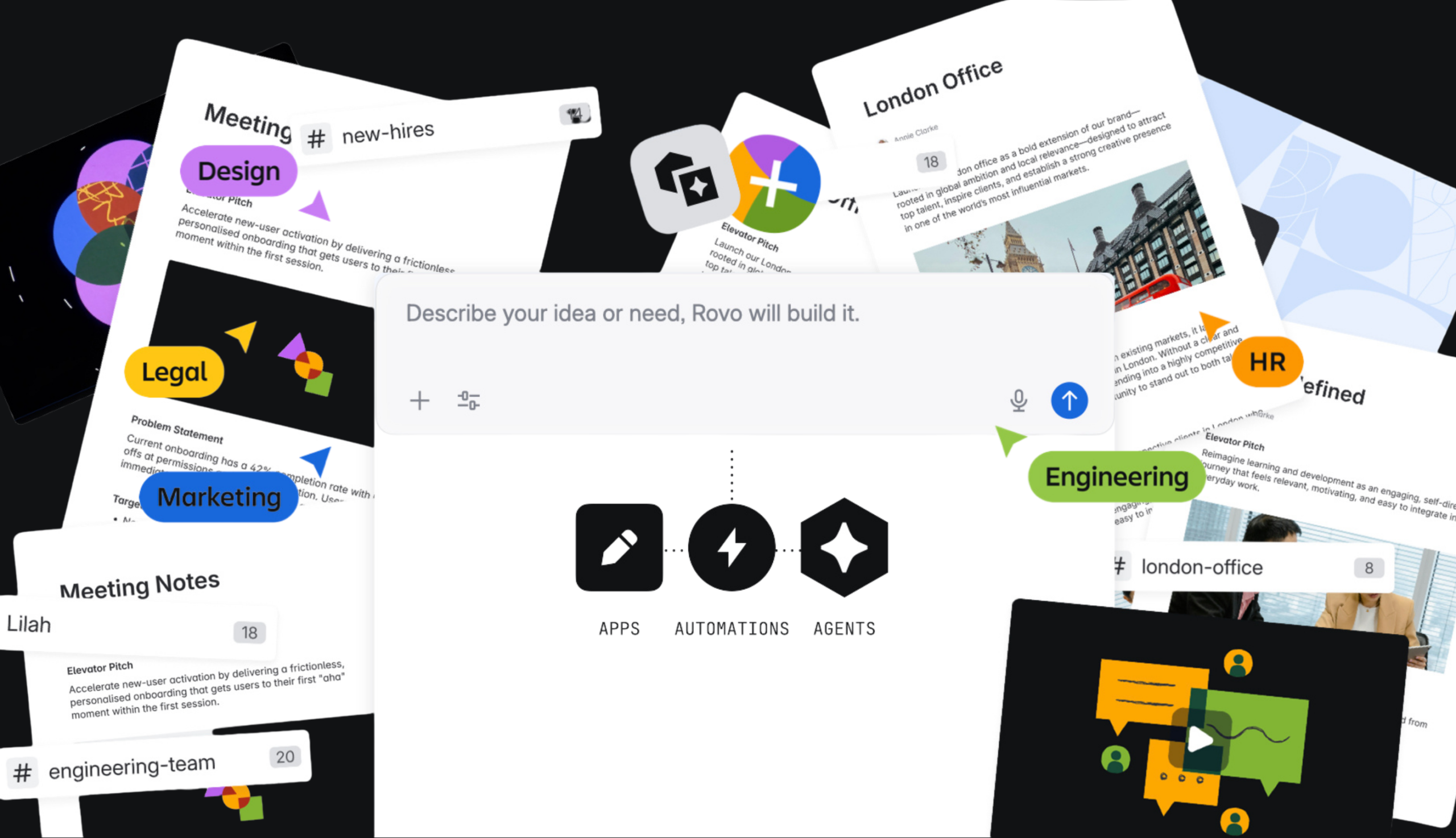
You no longer need to know whether you need an agent, an automation, or an app. Just describe the problem you’re trying to solve, and Studio recommends the right combination — then builds it for you.
Here’s what’s now available to every Rovo user:
- Agents — a richer building experience where Rovo helps define your agent’s tools, skills, and knowledge so it’s useful from the start. Connect to thousands of skills via the open MCP standard, and use built-in analytics and testing to improve agent performance over time.
- Automations — anyone can build automations across Jira, Confluence, JSM, and connected apps. No code required, and IT stays in control — automations only do what the user is already authorized to do.
- Apps (in beta) — create custom Forge apps from a single prompt. No terminal, no code, no engineering hand-off.
Any one of these is powerful on its own. Together, they unlock workflows that weren’t possible before.
From prompt to production: onboarding in action
Let’s explore a specific use case we can all relate to: onboarding. Onboarding a new team member used to mean weeks of manual coordination across tools, channels, and calendars — chasing down documents, scheduling introductions, fielding the same questions over and over. With Studio, a single prompt replaces all of it:
“When someone joins my team, create a personalized onboarding plan based on their role using our templates and content, set up time for us to meet, answer their questions, and help me track their progress.”
Studio comes back with a solution — three components that work together the moment an onboarding ticket is created:
- An automation kicks off a personalized onboarding plan the moment the ticket is created — welcome video, strategy deck, assigned projects, and 90-day milestones land in Microsoft Teams with a welcome message.
- An agent is there to answer questions throughout, so new hires ramp faster without waiting on anyone.
- A dashboard app gives the manager visibility into everyone’s progress, so check-ins start informed instead of from scratch.
What used to take weeks of manual steps now happens automatically, personally, and measurably.
Governed from day one — not bolted on after
Here’s the part that matters for scale: everything built in Studio ships with governance built-in.
Unlike ad-hoc AI tools and vibe-coded scripts that bypass IT and create shadow AI risk, Studio is built on Atlassian’s enterprise-grade platform from the ground up. Roles, approvals, versioning, and audit trails live in one place — so every agent, automation, and app is auditable before it ever reaches a user. That means teams move fast and IT keeps full control. No tradeoff required.
Powered by context, deployed where work happens
Most AI tools start from a blank slate. Studio doesn’t.
Every solution is powered by live context from the Teamwork Graph — the knowledge, relationships, and work patterns already in your Atlassian environment. Studio automatically pulls in the right information, so agents understand your team’s work from day one.
From there, agents are deployed into Rovo Chat, Jira, Confluence, JSM, and automations — where they can see and act across third-party tools like Slack, Figma, Amplitude, HubSpot, and more via MCP skills and integrations. Your team doesn’t need to learn a new tool. AI meets them where they already work.
Start building in minutes
Jump into Studio with one of these prompts and see what’s possible:
Try these simple prompts to get started
Jump into Studio with one of these starter prompts and start building in minutes.
Answer questions in Slack automatically. “Automatically reply to messages in my team’s Slack channel using information from our knowledge base to free up my team’s time.”
Surface customer feedback every week. “Every Monday, categorize recently created work items from a Jira space where we collect customer feedback and create a page with a summary of themes.”
Build a custom app for Confluence. “Create a macro that displays a progress bar I can click to communicate informal progress on a page.”
Trigger workflows automatically. “When a new Jira ticket is marked urgent, trigger my triage agent to summarize it and notify the right team in Slack automatically.”
Chain multiple agents into one workflow. “Build a workflow where one agent categorizes incoming feedback, a second drafts a response, and a third logs it to Confluence.”
Automate cross-project reporting. “Every Friday, pull overdue items from all projects in my portfolio and generate a status summary page for my leadership team.”
Go deeper: Inside the Agentic Enterprise
Whether you’re just starting to explore agents, building a business case, or aligning your leadership team around an agentic strategy, Inside the Agentic Enterprise is a practical guide to putting agents to work in your existing workflows — built from the patterns Atlassian customers are already using.
Explore more at Team ’26
These new updates were unveiled at our annual user conference, Team ‘26, alongside several other awesome announcements. To dig deeper, explore our live-streamed and on-demand sessions on your own schedule.